Veasy Social
Schedule posts for a Facebook Page, Instagram and Threads, and let an AI assistant answer Messenger for your shop.
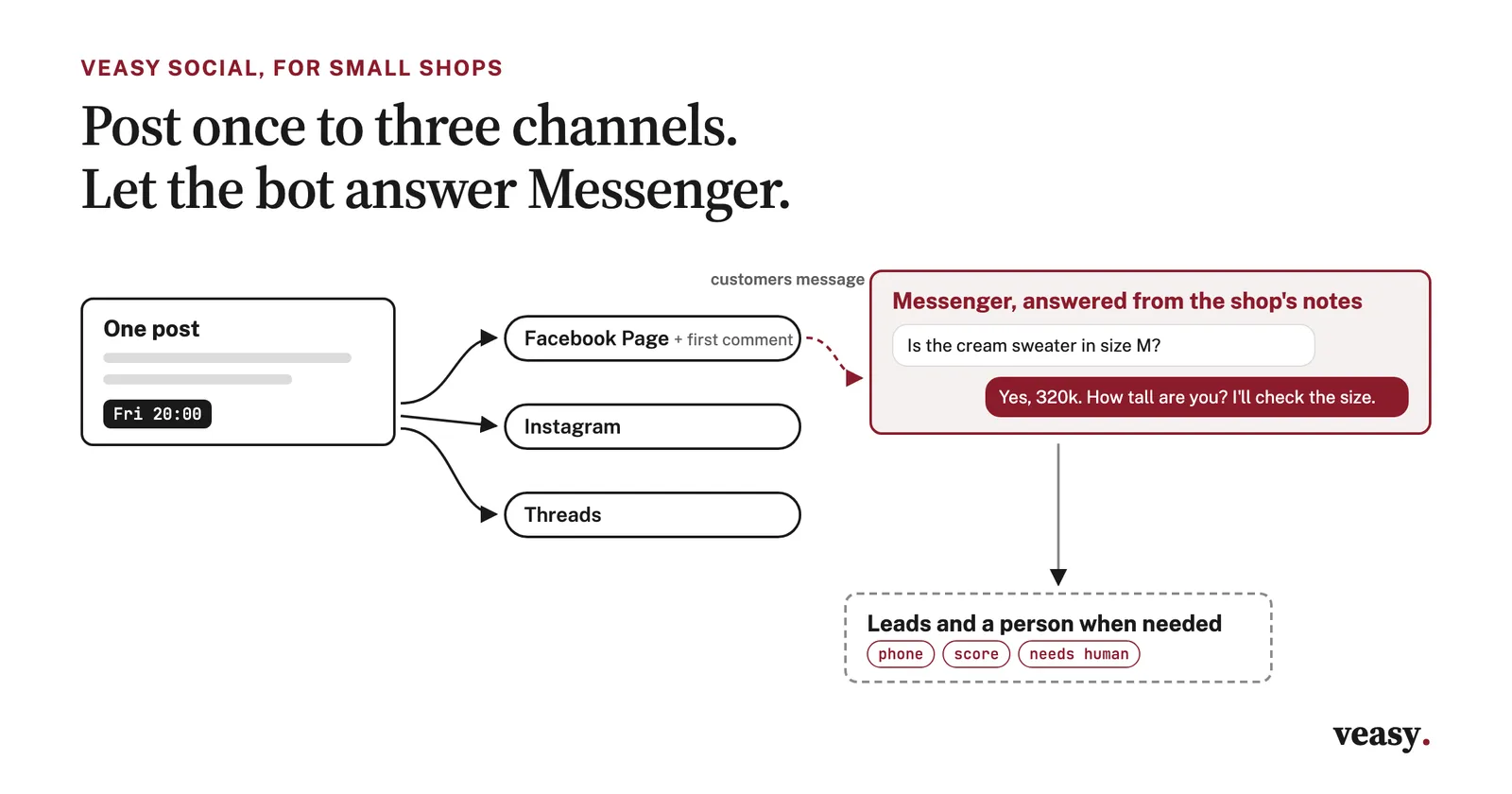
Veasy Social is a web app for small shops that sell through a Facebook Page, Instagram and Threads. You write a post once and schedule it for all three, and an AI assistant answers the shop's Messenger from what you have told it about your products.
Write once, post to three channels
Tick the Page, the Instagram account and the Threads profile, write the post, add photos or a video and pick a time. Each channel can get its own text, with a counter for its limit. A Facebook post can go out as a feed post, a Reel or a Story, and you can add a first comment that goes up right after it. Buttons ask the AI to rewrite the text, write a short version for Threads, suggest hashtags or translate it to English. The home screen lists what goes out today and tomorrow.
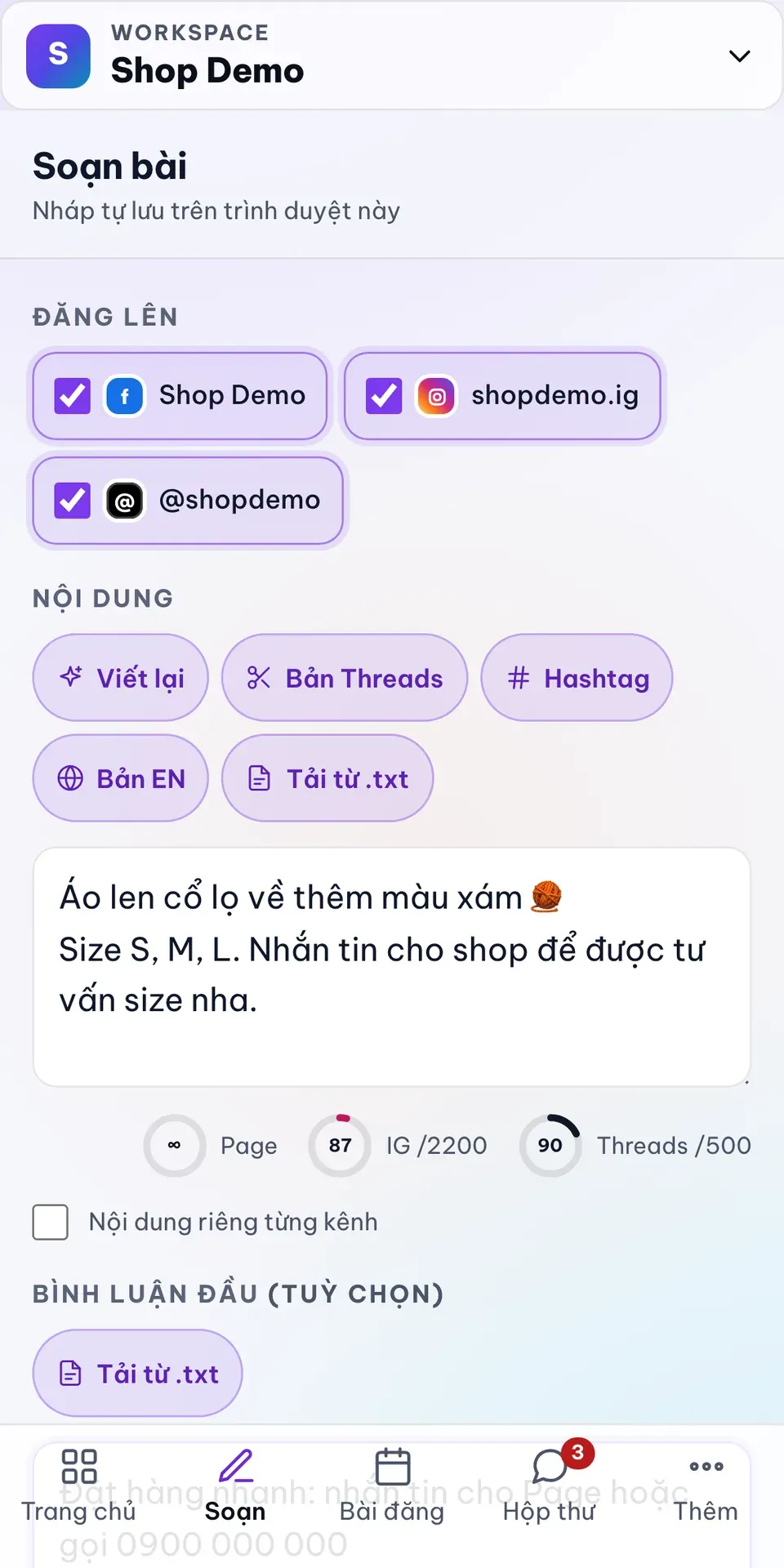
Writing one post for three channels (demo data)
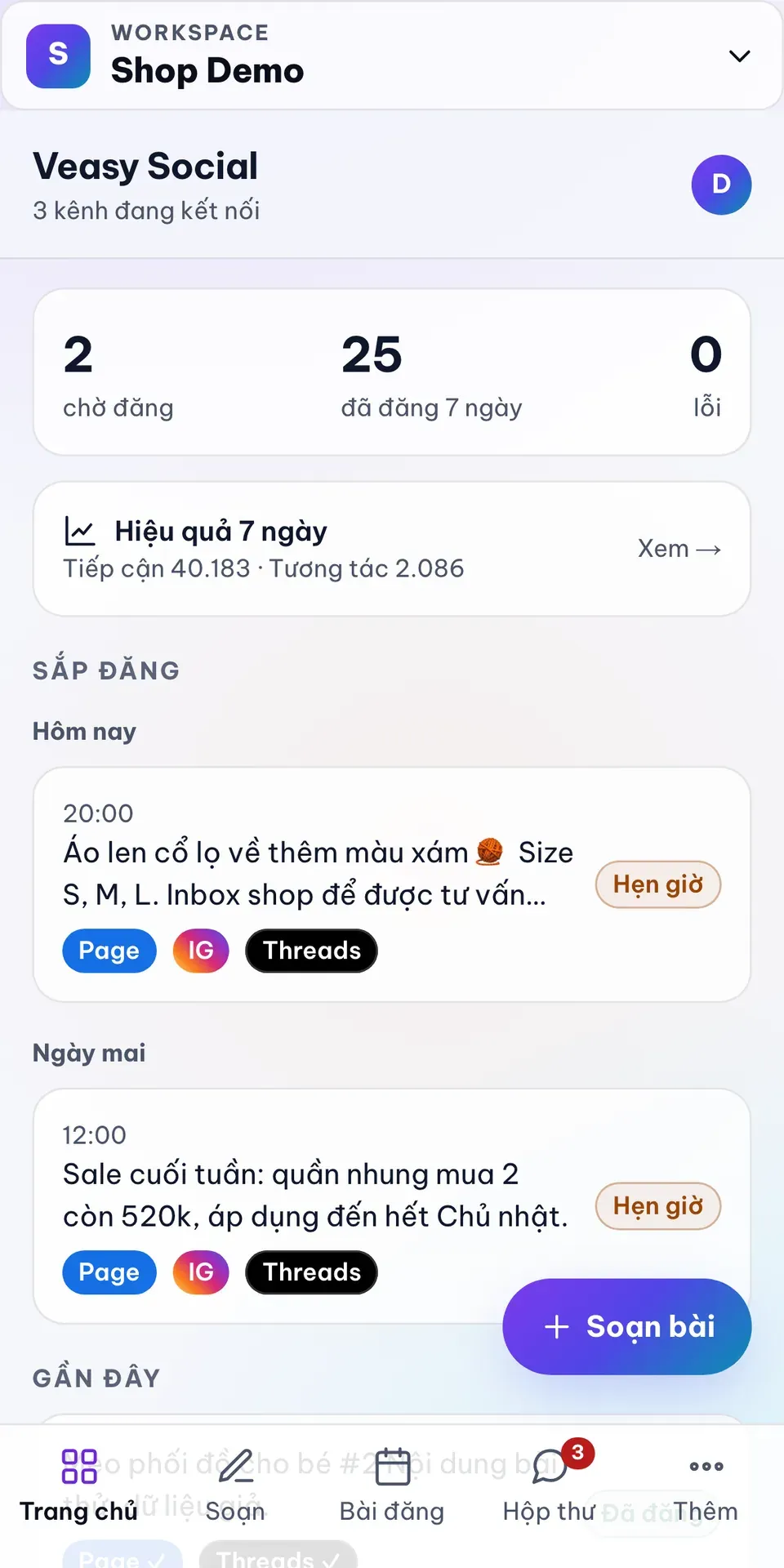
Home: what goes out today and tomorrow (demo data)
A Messenger assistant that knows the shop
You fill a knowledge base with products, prices, sizes, shipping and returns, and the assistant answers Messenger from it in short replies. It can ask for a phone number when a customer wants to buy, and it sends a short reminder when a customer goes quiet, inside Messenger's 24-hour window. A complaint, or a question it cannot answer from the knowledge base, gets flagged for a person. There is a chat tab to try it before you switch it on.
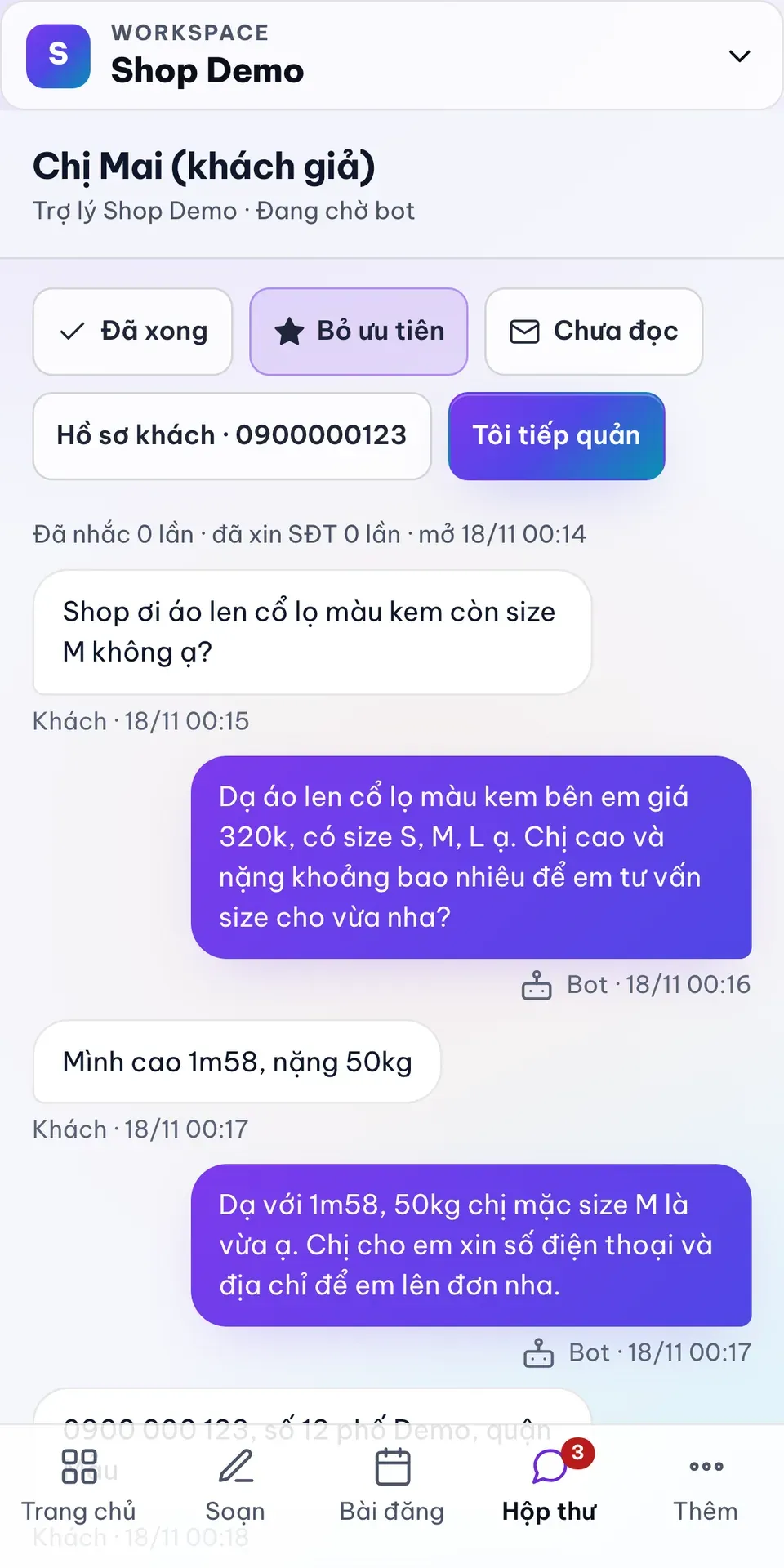
The assistant answering on Messenger (demo data)
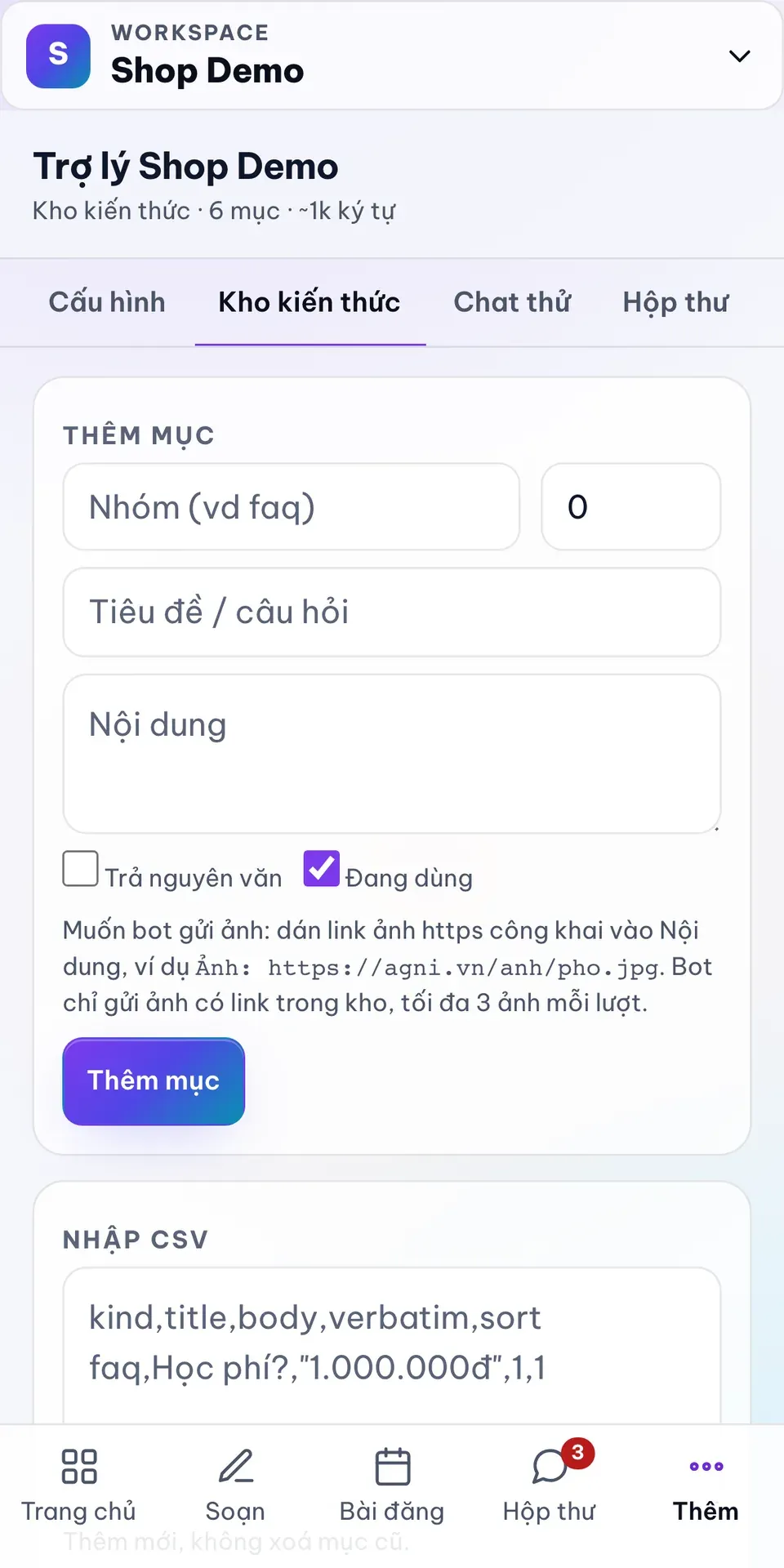
The knowledge base the assistant answers from
One inbox, and the leads in it
Every Messenger conversation lands in one inbox, with tabs for unread, starred and done, and a search over names, phone numbers and messages. Comments on your Facebook posts show up there too. A conversation shows a summary, a score for how likely the customer is to buy and a suggested reply, and you can take over from the bot at any time. Customers who leave a phone number go into a contacts list marked new, contacted, closed or cancelled.
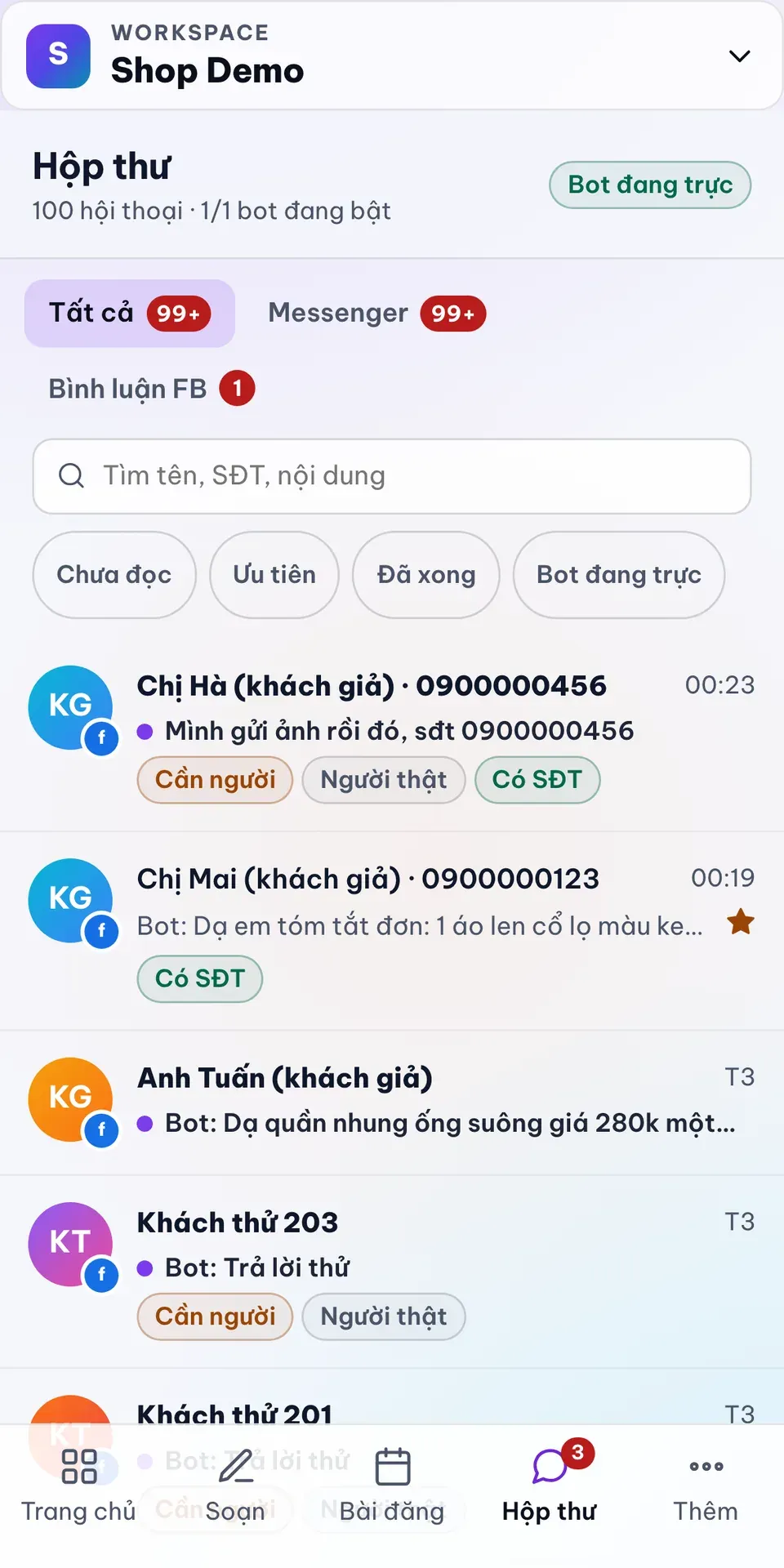
One inbox (demo data)
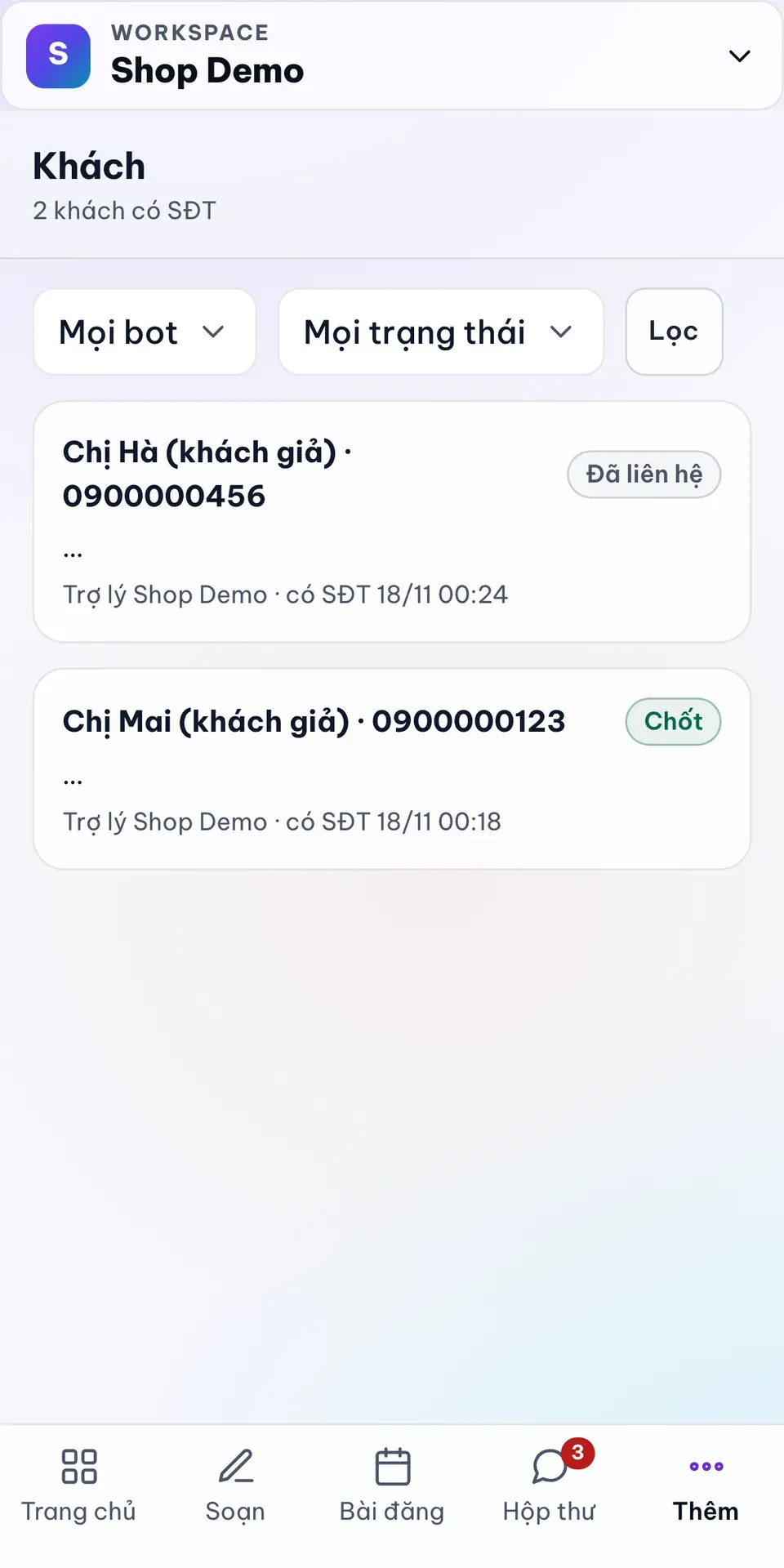
Leads with a phone number (demo data)
Hiệu quả, what is working
Hiệu quả (results) pulls numbers from Meta every six hours: followers, reach and engagement for each channel, this week against last week, a chart of posts by day and the posts that did best. After three weeks of data it also shows the hour of the day when your posts do best.
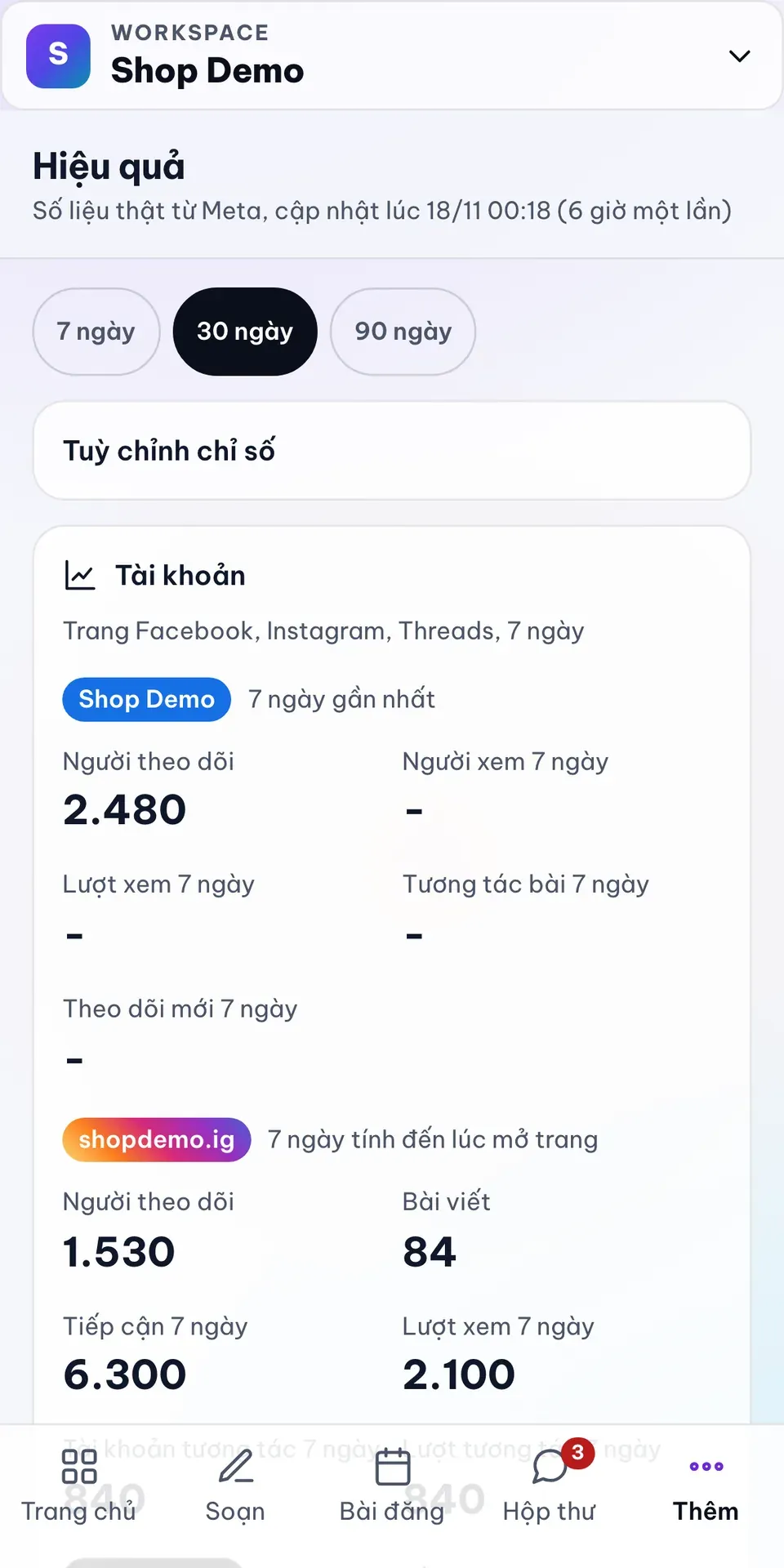
Hiệu quả per channel (demo data)
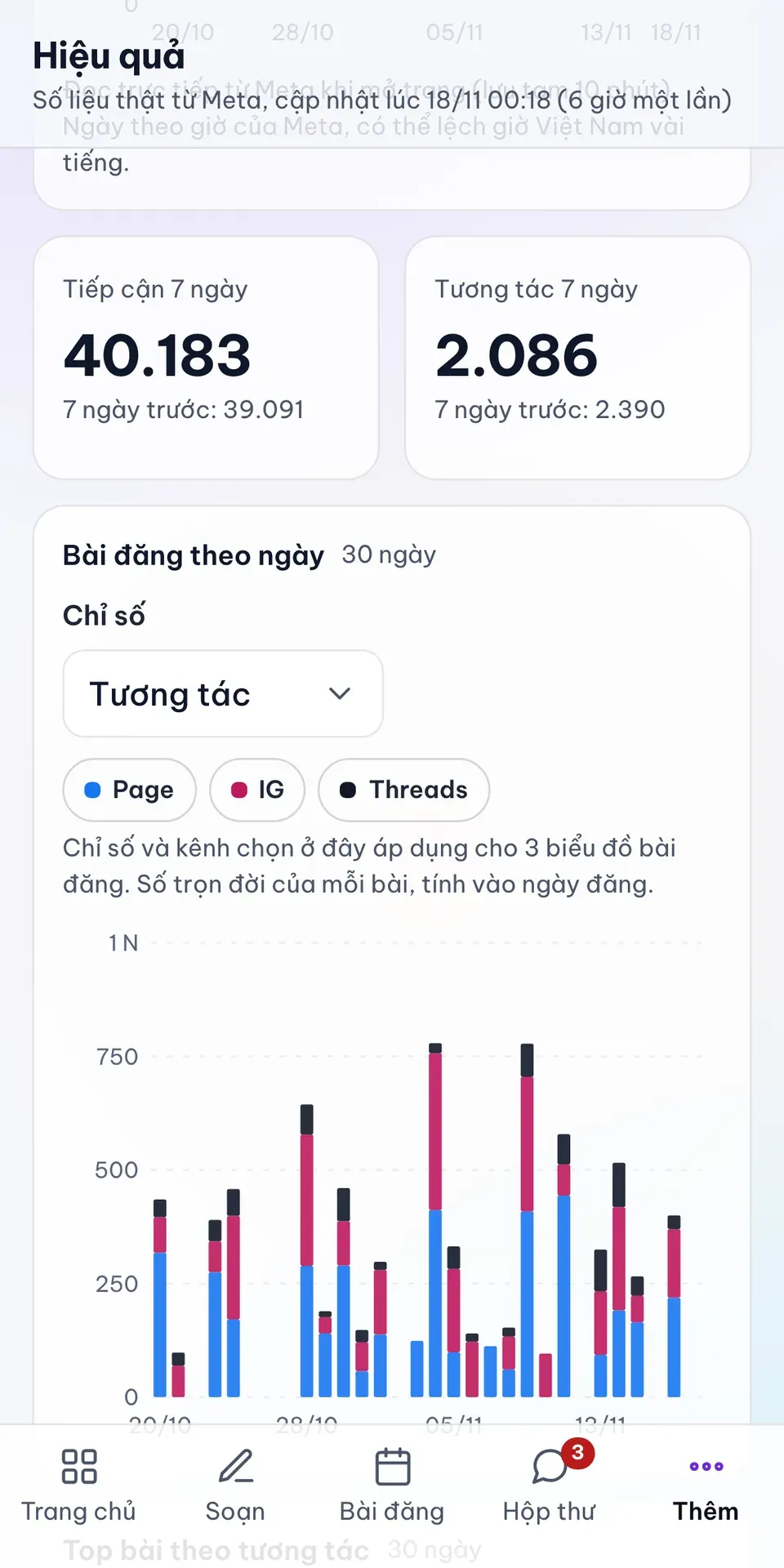
Posts by day (demo data)
Workspaces, and Claude or Codex
Each shop is a workspace with its own channels, inbox, posts and AI key, and you can invite the people who work there. If one Facebook login manages Pages for several shops, you choose which Page goes into which workspace, and you can move it later. Veasy Social also runs an MCP server, so Claude or Codex can read your posts, leads and numbers and, if you allow it, write drafts and schedule posts. The AI sees customer phone numbers masked.
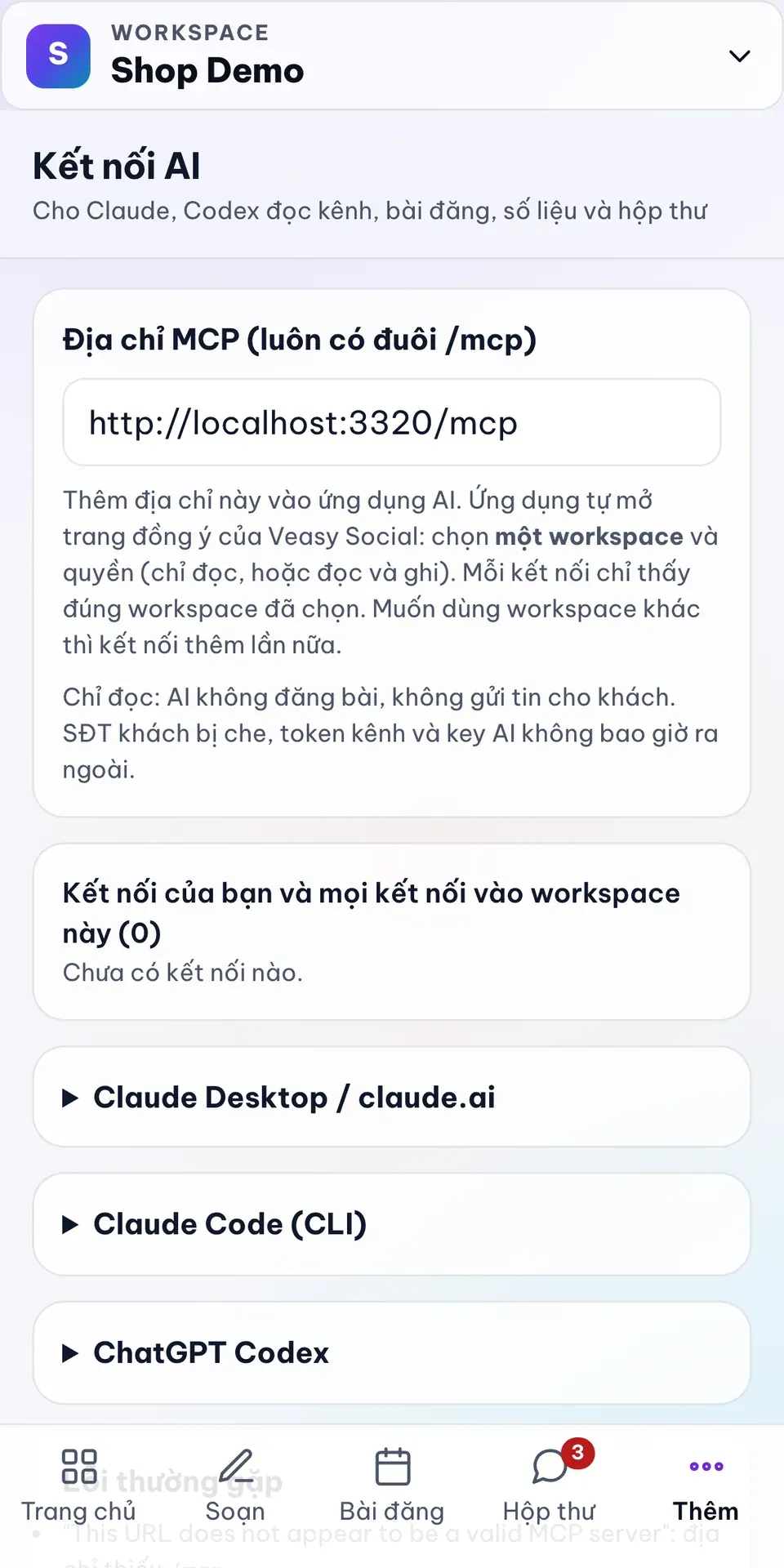
Connecting Claude or Codex over MCP (local demo address)
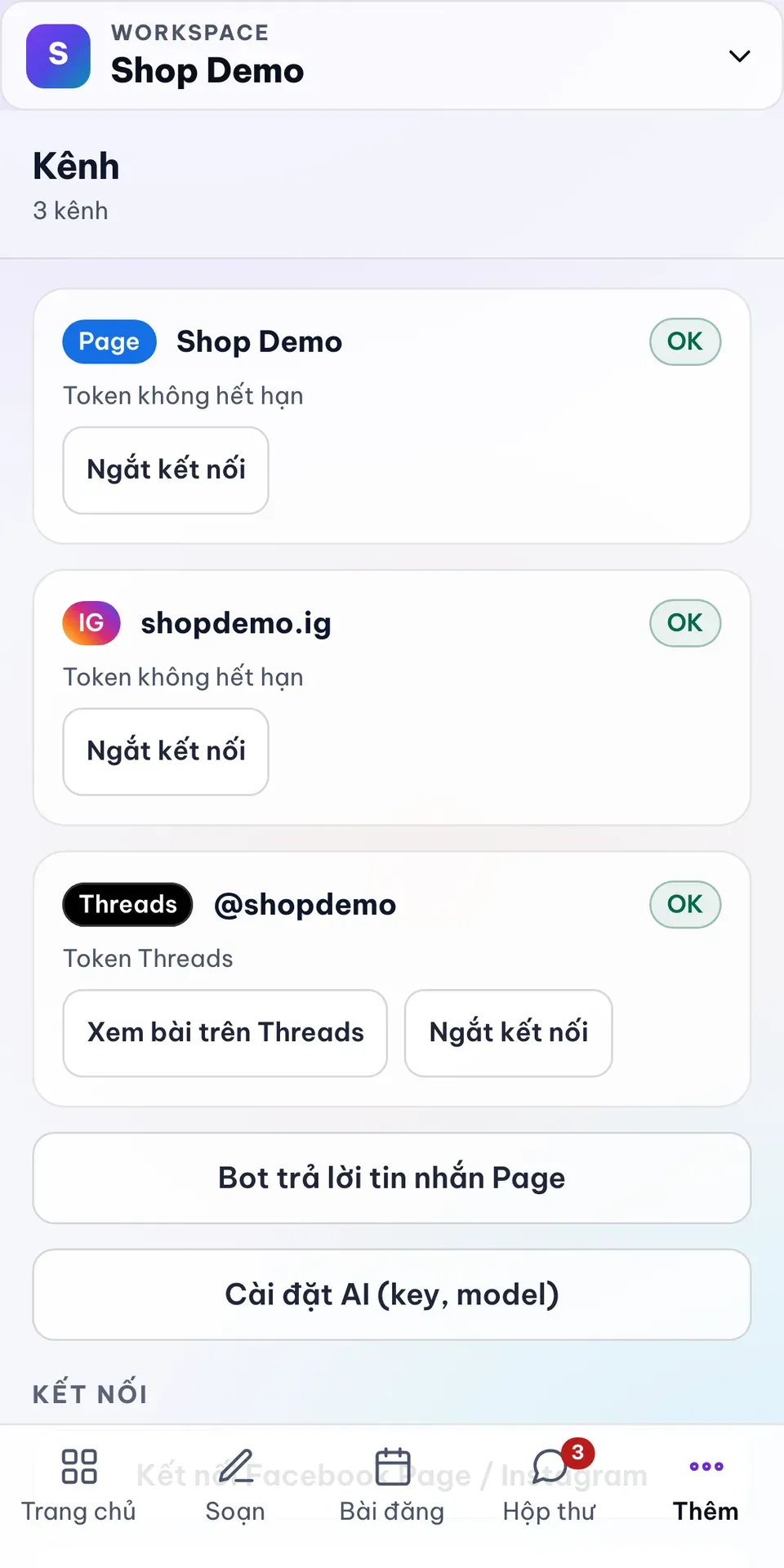
Channels in a workspace (demo data)
Veasy Social runs for a few shops I know, and I use it for the Ăn Gì? channels. It is invitation only: you sign in with a veasy account, and a new account waits for my approval. Meta is still reviewing the app, so I also add each new user on Meta's side, and first comments on Instagram and Threads are not there yet. TikTok is not supported yet. If you run a shop and want to try it, write to me.